Good forms should be easy to fill in. They should also collect information in a way that is useful afterwards.
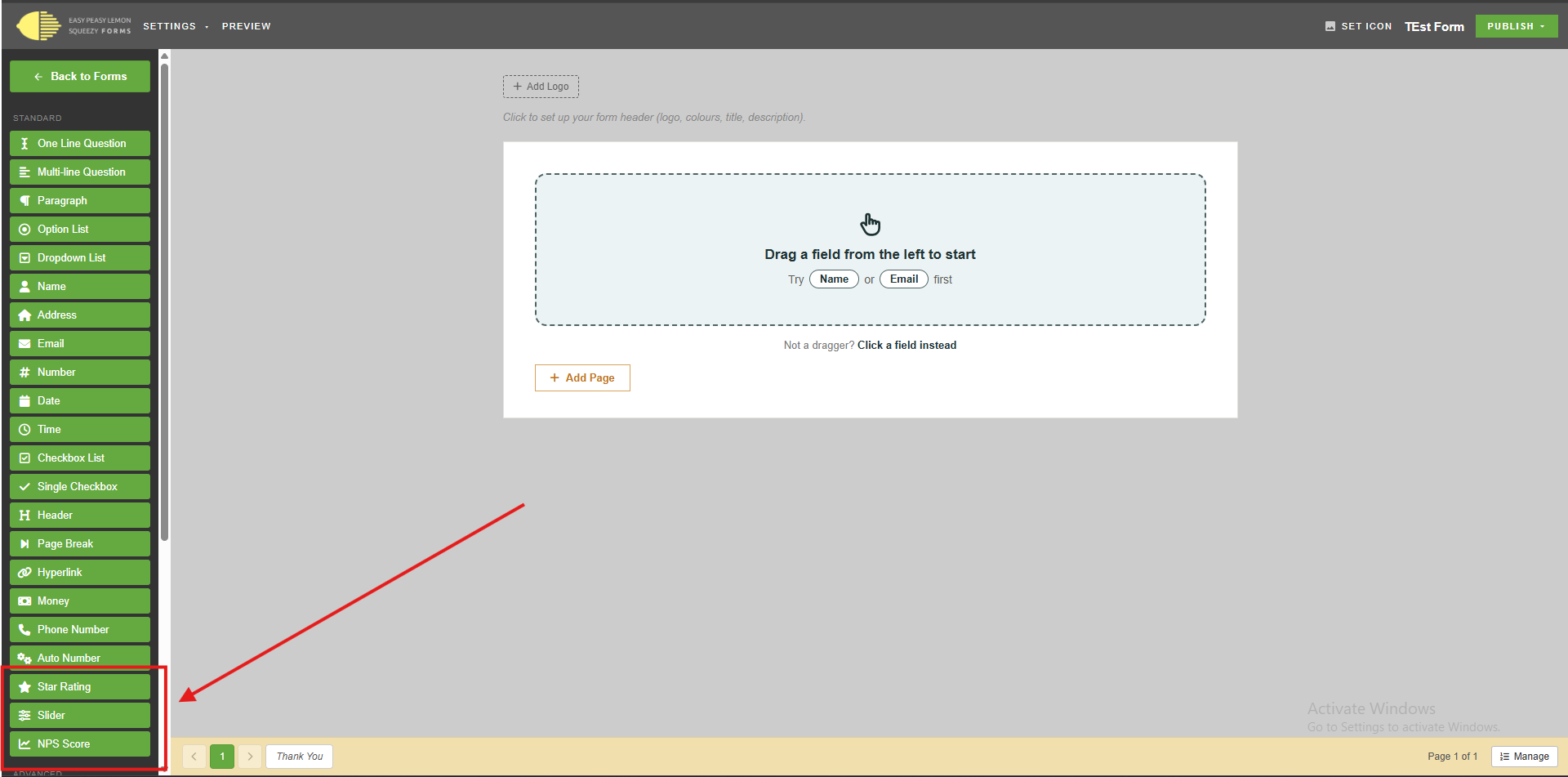
That is why we have added a few new controls to Easy Peasy Forms: Star Rating, Slider, and NPS Score.
These controls make it easier to capture feedback, scores, and opinions without making the form feel heavy.
Star Rating
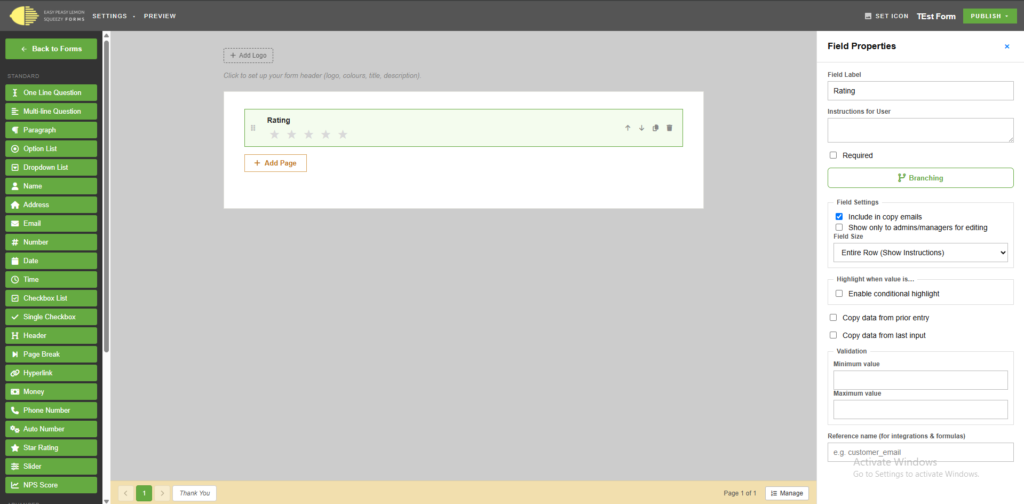
The Star Rating control is ideal when you want a quick rating from a user.
You can use it for:
- Customer satisfaction
- Service quality
- Product feedback
- Staff or event feedback
- Simple review-style scoring
The rating scale is configurable, so you can choose the range that suits the form. Entry analytics can then help you understand how responses are trending.
Slider
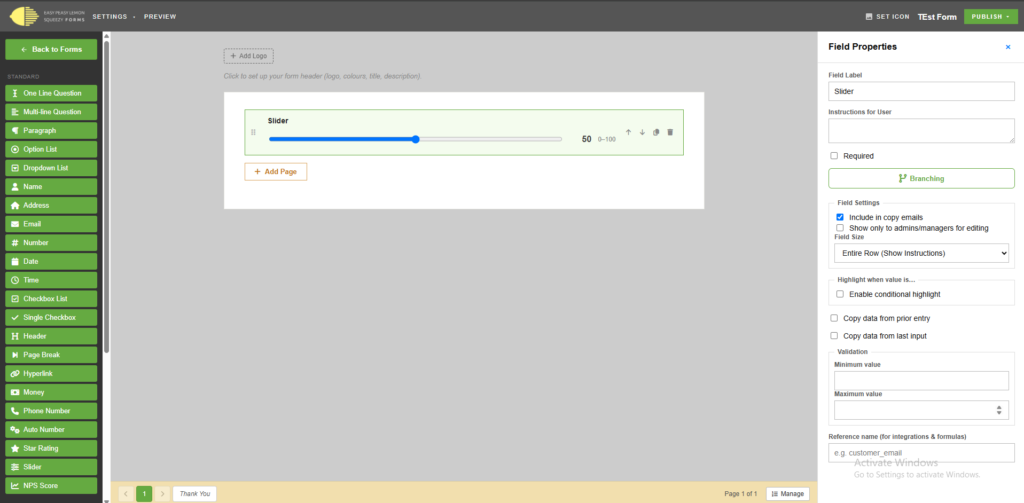
The Slider control is useful when a number sits on a range.
You can configure:
- Minimum value
- Maximum value
- Step size
That makes it useful for things like budget ranges, confidence scores, priority, quantity, or any question where a drag-to-select answer feels easier than typing a number.
NPS Score
NPS, or Net Promoter Score, is a familiar way to ask:
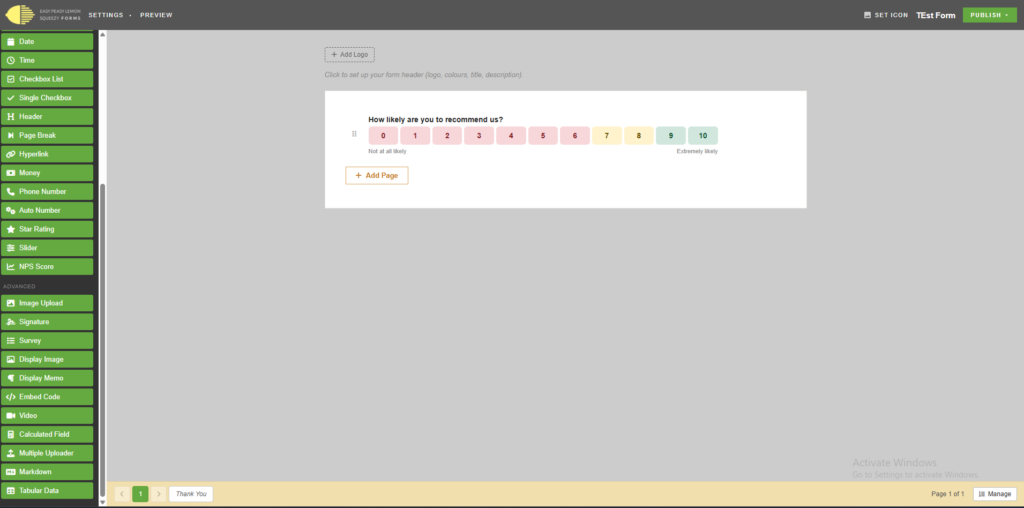
How likely are you to recommend us?
The NPS control uses the standard 0 to 10 scale and supports NPS-style reporting, so responses can be grouped into promoters, passives, and detractors.
Better answers, less effort
These controls help you ask better questions without making your forms harder to complete.
They are small changes on the page, but they can make a big difference to the quality of the answers you get back.