AI tools are becoming much more useful when they can work with the apps you already use.
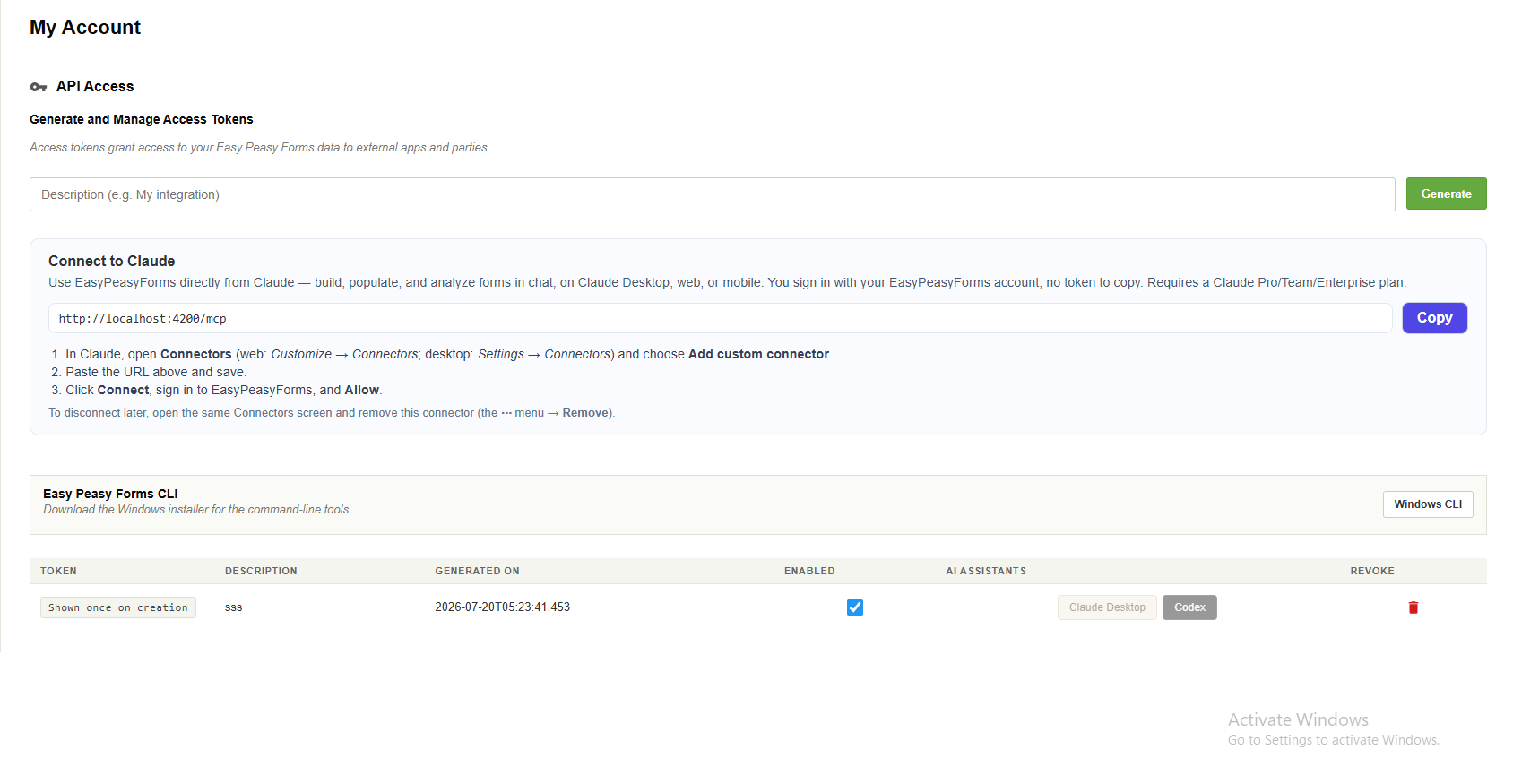
Easy Peasy Forms now supports MCP, which makes it possible for tools like Claude and Codex to connect to your forms through a controlled integration.
That means you can ask an AI assistant to help with real form work, not just write suggestions in a separate chat.
What MCP makes possible
With MCP connected, an AI assistant can help with tasks like:
- Listing folders and forms
- Reviewing form structure
- Creating new forms
- Adding fields
- Creating templates
- Publishing admin-approved templates
- Analysing entries where access is allowed
It gives the assistant a safe way to work through the Easy Peasy Forms API.
Useful for form building
Instead of starting from a blank page, you can describe the form you want.
For example:
“Create a client intake form for a New Zealand law firm.”
The assistant can turn that into a draft form with relevant fields, then you can review and adjust it.
Admin template workflows
For admin users, MCP can also help create reusable templates.
That is useful when you want to quickly build a set of forms for a particular industry, team, or sales demo.
For example:
- Law firm intake templates
- HR request templates
- Customer feedback templates
- Compliance checklists
Security still matters
MCP access uses an API token. That token should be treated like a password.
Admin-only actions, such as publishing templates for everyone, still require a super-admin token. Normal users should not be able to publish global templates.
A faster way to get started
MCP does not replace reviewing your forms.
It simply gives you a faster way to create, inspect, and improve them.
The assistant can do the first draft. You stay in control of what gets published.